
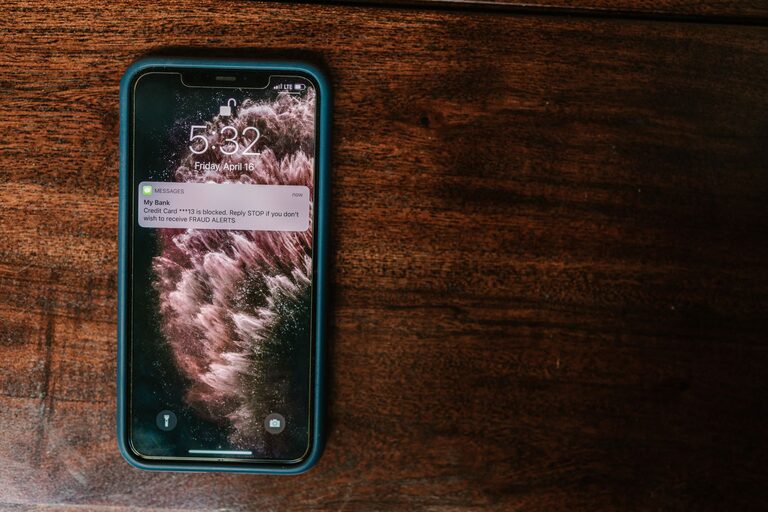

In today’s digital world, notifications are constant companions—from smartphones buzzing with messages to desktop pop-ups alerting us about emails and social media activity. While notifications can be helpful, too many can become overwhelming, distracting, and even stressful. Setting healthy boundaries with notifications is essential for maintaining focus, reducing stress, and enjoying a better balance between work and personal life.
This post offers practical tips to help you control your notifications and use technology in a way that supports your productivity and well-being.
Why Setting Boundaries with Notifications Matters
Notifications are designed to grab your attention. But when they come too frequently or at inconvenient times, they can interrupt your workflow or personal time. Constant distractions prevent deep work, increase stress, and make it harder to relax.
By establishing clear boundaries, you can:
– Improve your concentration and productivity
– Create dedicated time for focused work or personal activities
– Reduce stress and digital overload
– Get better sleep by limiting nighttime interruptions
How to Set Boundaries with Notifications
1. Audit Your Notifications
Start by reviewing the apps and services that send you notifications. Many apps default to sending alerts for every like, message, or update, even if they are not important to you.
– Go through your phone and computer settings to check notification permissions.
– Ask yourself which notifications truly require your immediate attention.
– Turn off notifications from less essential apps or channels.
2. Customize Notification Settings
Most devices allow for detailed customization of notifications. Instead of turning all alerts off, adjust settings so only critical notifications come through.
– Use “priority” or “allowed” lists for apps that matter most.
– Choose different alert types (sound, vibration, banner) based on importance.
– Mute notifications temporarily during meetings, work blocks, or rest time.
3. Schedule “Do Not Disturb” Periods
Create regular blocks of time when notifications are silenced. This can help you focus without interruptions and also protect your personal time.
– Use built-in “Do Not Disturb” or Focus modes on your phone and computer.
– Schedule these modes during work hours, meals, or before bedtime.
– Allow exceptions for urgent contacts or emergency notifications if needed.
4. Limit Social Media and Email Alerts
Social media and email apps are notorious for generating frequent notifications. Consider the following tweaks:
– Turn off push notifications for social media apps and check them manually.
– Adjust email settings to receive notifications only for important contacts or topics.
– Use email filtering to prioritize messages that truly need attention.
5. Use Notification Management Apps
If your device’s default settings are not enough, try third-party apps designed to help manage notifications.
– Apps can aggregate notifications and let you review them all at once.
– Some apps offer smart rules or AI to filter and prioritize alerts.
– Choose apps compatible with your device and simple to customize.
6. Create Personal Guidelines and Communicate Them
Setting boundaries is easier when others know your preferences.
– Let colleagues, friends, and family know your preferred communication times.
– Clarify which channels you monitor regularly and which you don’t.
– Use status indicators (like “Do Not Disturb” or “Away”) to signal when you shouldn’t be interrupted.
7. Regularly Review and Adjust
Your notification needs may change over time.
– Periodically revisit your settings and tweak them based on experience.
– Experiment with different approaches to find what reduces stress and distractions best.
– Stay flexible and adapt to new apps or responsibilities.
Additional Tips for Managing Notification Overload
– Turn off vibrations: Constant buzzing can be unnerving; consider silencing or limiting vibrations.
– Use visual cues only: Opt for subtle visual notifications instead of sounds.
– Keep devices out of reach during focused times: Sometimes the best way to set boundaries is to physically remove temptation.
– Unsubscribe from unnecessary email lists: Reducing incoming messages helps decrease notification volume.
– Practice mindful checking: Resist the urge to check notifications immediately; schedule moments to review alerts.
Conclusion
Notifications can be useful tools if managed properly, but unchecked alerts can disrupt your daily flow and increase stress. By auditing your notifications, customizing settings, scheduling quiet times, and communicating boundaries, you can take control of your digital life. Making these changes supports productivity, focus, and overall well-being—helping you find balance in a connected world.
Start small, experiment with different methods, and soon you’ll create a notification system that works for you, not against you.